WTF is a Ralph Loop
Coding with AI is Like Being a Manager, Not a Typist
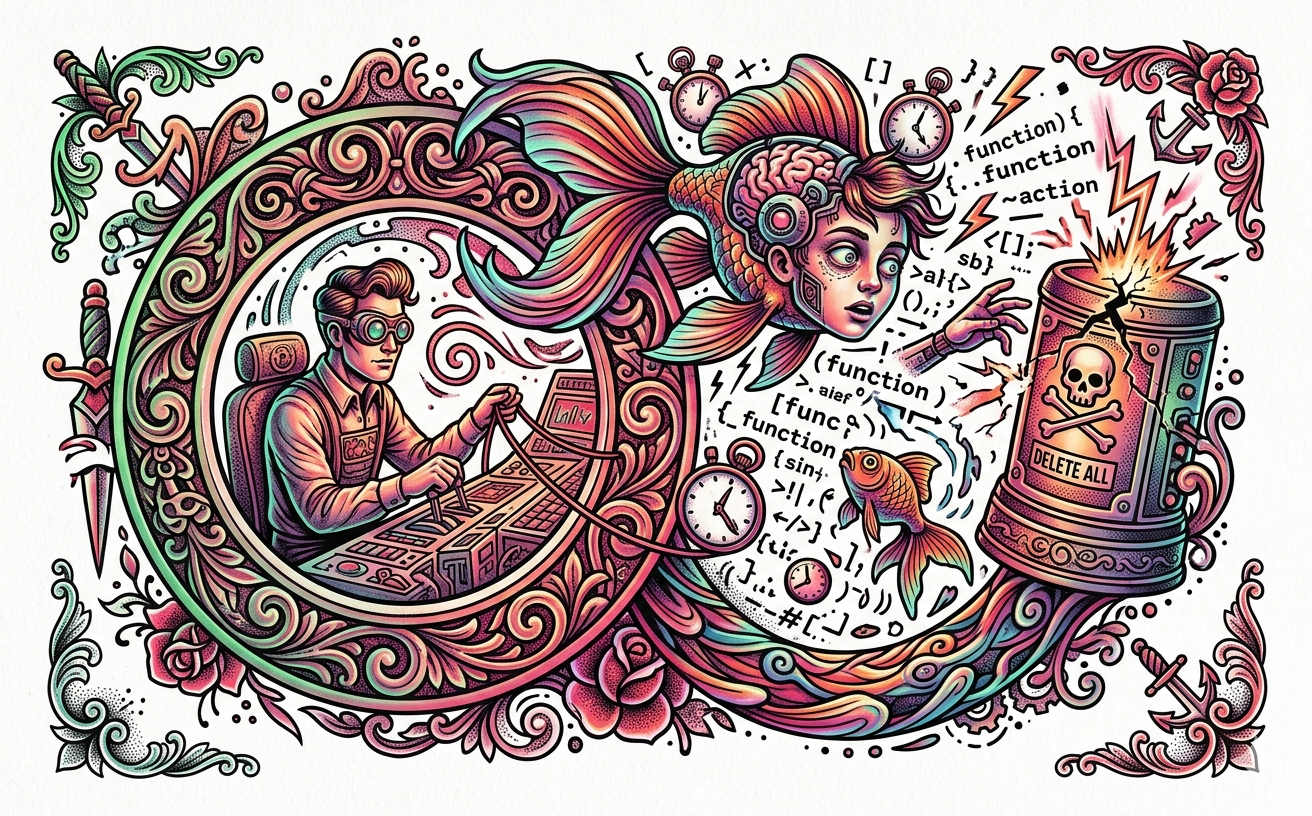
Imagine you have a super-smart intern who can write code 100 times faster than you, but they have the attention span of a goldfish and occasionally try to delete your entire hard drive by accident. That is basically what it’s like to use a modern AI coding agent.
In a recent deep-dive, tech experts Dex Horthy and Geoffrey Huntley broke down a concept called the “Ralph Loop.” It’s a new way of building software where you don't just "chat" with an AI—you set it loose in a controlled loop to build, test, and fix things while you watch from the sidelines.
If you’re interested in how the pros are actually using tools like Claude or GPT to build real apps, here is the "cheat sheet" on how to do it without losing your mind (or your data).
Stop Being "In the Loop"
Most people use AI by typing a prompt, getting an answer, and typing another prompt. That’s called being Human-in-the-Loop. It’s slow and boring.
The Ralph Loop approach is about being Human-on-the-Loop. You give the AI a goal (like "Add a login screen"), give it the tools to run its own commands, and then you just watch. It’s like watching a Twitch stream of someone playing a video game, except the player is an AI and the game is your project. You only jump in to "poke and probe" if the AI gets stuck or starts doing something weird.
Think Like a "C" Programmer (The Memory Trick)
A while back I spoke about the basics of Memory Allocation from my time in "C". Go back and take a look if you need a refresher:

AI doesn't have a "brain" that remembers everything forever. It has a Context Window. Think of this like a long strip of paper that moves through a sliding window. Once the paper gets too long, the stuff at the beginning falls out of the window and the AI forgets it.
To fix this, you have to use Context Engineering. Jeff Huntley suggests "malloc-ing" (a fancy coding term for "allocating memory") your context. You manually "pin" the most important rules—like the project specs and the main goal—to the very top of that window so they never fall out. If you don't, the AI enters the "Dumb Zone," where it starts hallucinating and forgetting what it was even trying to build.
The "Two Movie Scripts" Limit
You might hear that an AI has a "200k token limit" and think that’s a lot. It’s not.
In terms of actual data, that’s about 136 KB—or roughly the length of two Star Wars movie scripts. That has to hold your code, the AI’s thoughts, the error messages from the computer, and the instructions. If the AI "talks" too much or runs too many tests, it burns through that space instantly. This is why "Compaction" (the AI trying to summarize its own notes) is "the devil"—it’s like the AI losing the fine details of your project to save space.
Don’t Let the AI Burn Your House Down
Giving an AI "dangerously allow all" permissions on your personal laptop is a bad move. If the AI stumbles onto a weird website or a hacker sends it a bad instruction, it could steal your Bitcoin wallet or delete your photos.
This is the Lethal Trifecta:
Access to the network.
Access to private data.
Access to execute commands.
The pro move? Run the AI in a Sandbox. Use a separate computer in the cloud (like a Google Cloud VM) that doesn't have your personal files on it. If the AI gets "popped" (hacked) or messes up, the "blast radius" is tiny. You just delete the VM and start over.
Watch the Fireplace
The best way to get good at this isn't by reading a manual; it’s by treating the AI like a fireplace. You sit there and watch it work. You start to notice patterns—like when the AI gets "anxious" because its memory is full, or when it starts repeating the same mistake.
By watching the "fire," you learn how to "tune" the AI. You realize that "one bad spec equals 10,000 lines of junk code." If your instructions are clear and your "memory allocation" is smart, the AI becomes a massive amplifier for your own skills.