Your School Laptop Might Be Snitching
How Not to Get Hacked: A Survival Guide to the Everyday Internet
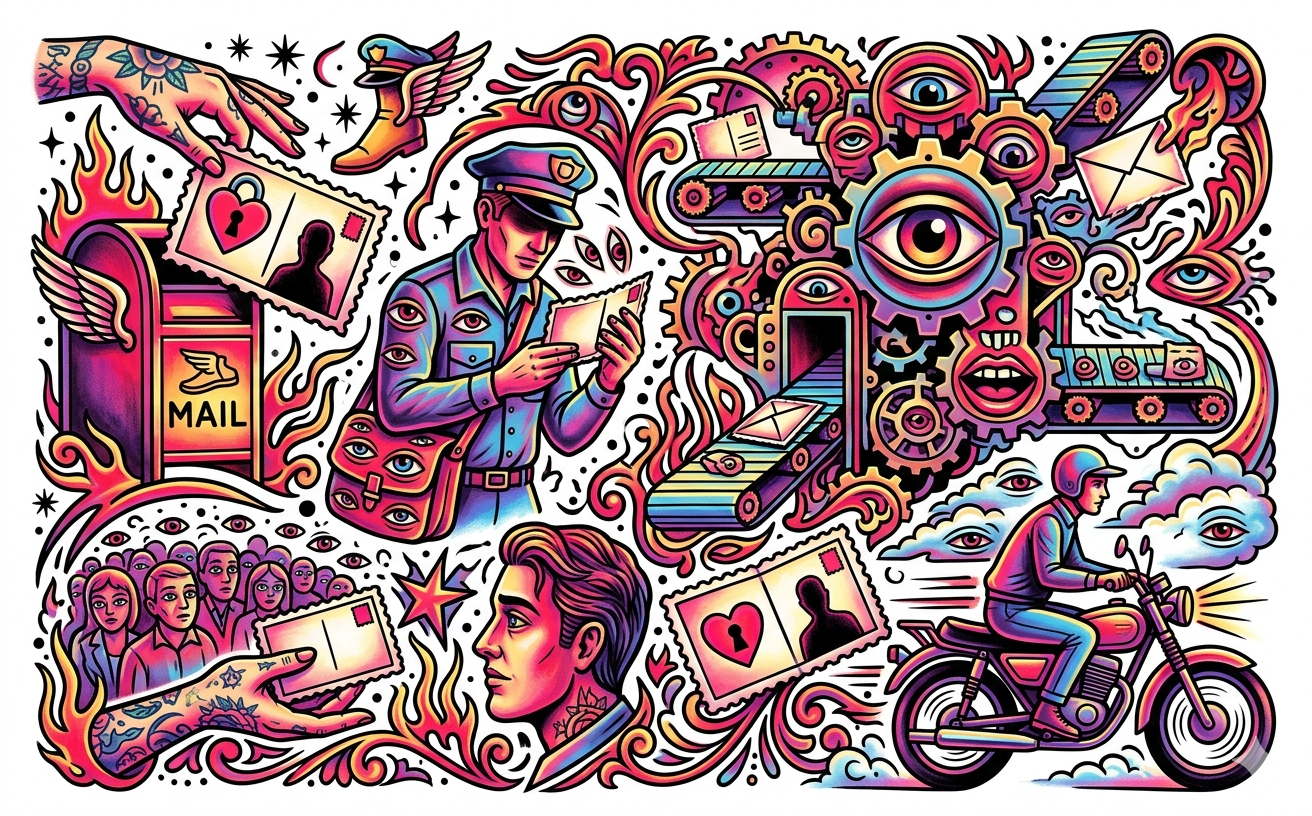
Imagine you want to send your deepest, darkest secret to a friend, so you write it on a postcard and hand it to the mailman. From the mail carrier to the sorting facility to the delivery driver, anyone who glances at that postcard can read your secret.
Believe it or not, this is exactly what happens when you use the internet without security. Whether you're connected to the open Wi-Fi at a local coffee shop or hanging out in the school library, your private data—passwords, texts, credit card numbers—travels through the air. If you aren't careful, anyone sitting nearby with the right software can snatch it out of thin air.
Here is everything you need to know to lock down your digital life, keep hackers out, and keep your private stuff private.
The Padlock is Your Best Friend (HTTPS)
When you type a web address, it usually starts with HTTP or HTTPS. If you're on a website that only uses HTTP, your data is acting like that postcard. It’s sent in plain text. A hacker can perform a "Machine in the Middle" attack, quietly sitting between your phone and the website, reading everything you send.
They can even steal your "cookies." In the tech world, a cookie isn't a snack; it's a digital handstamp. When you log into Instagram or Amazon, the website stamps your browser so you don’t have to keep entering your password every time you click a new page. If a hacker intercepts an unencrypted HTTP connection, they can copy your digital handstamp, hijack your session, and pretend to be you.
The fix? Always look for HTTPS and the little padlock icon next to the web address. The "S" stands for secure. It uses complex math to scramble your data. Even if a hacker intercepts it, all they will see is random, unreadable gibberish.
Hackers know you look for the padlock, though, so they try to trick you. They might use an attack called "SSL Stripping," which forces your browser to stay on the unsecure HTTP version of a site. Or, they might redirect you to a fake site that looks perfectly real but has a slightly misspelled URL (like exam1e.com instead of example.com). Always double-check the web address!
Tunnels and Bouncers (VPNs and Firewalls)
While HTTPS secures your connection to a single website, a VPN (Virtual Private Network) secures everything your device does. Think of a VPN like an armored, underground tunnel between you and the internet. It scrambles all your data and hides your real IP address (your computer's digital location). It makes websites think you are wherever the VPN server is located, which is why people often use them to safely use public Wi-Fi or hide their internet activity from snoops.
Meanwhile, a Firewall acts like a digital club bouncer. Computers have virtual "ports" (numbered doors) that let different types of internet traffic in and out. Hackers constantly scan the internet, jiggling these digital doorknobs to see if any are left unlocked. A firewall stands guard, blocking bad traffic from getting in and preventing sensitive data from leaking out.
Warning: Your School Laptop Might Be Snitching
If your school or job gave you a free laptop or phone, you should assume they can see everything you do on it.
Even if you use HTTPS or a VPN, whoever controls the device can install custom "certificates" or use proxy servers. This basically gives them a VIP pass to legally bypass your encryption. They can filter out bad websites, but they can also read your encrypted messages, see your passwords, and track every link you click. Bottom line: never do anything highly personal on a device you don't actually own.
Beware the Digital Zombies
Malware (malicious software) is the ultimate threat to your device, and it usually comes in two flavors.
Viruses are malware that require you to mess up. You have to click a shady link, open a weird email attachment, or download a sketch file for the virus to infect your computer.
Worms, on the other hand, are terrifying because they spread by themselves. If your firewall is down and your ports are open, a worm can slither into your computer without you doing a thing.
Once inside, malware can delete your files or steal your data. But lately, hackers prefer to turn infected computers into Botnets. A botnet is a massive army of "zombie" computers. You might not even notice your computer is infected, but the hacker is secretly controlling it. The hacker can command thousands of these zombie computers to flood a single website with traffic all at the exact same time. This is called a DDoS (Distributed Denial of Service) attack, and it completely crashes the target website so real users can't get in.
How to Armor Up
So, how do you survive all of this? You need a layered defense.
First, use good Antivirus software to catch known viruses. Second, stop ignoring your software updates! When Apple, Microsoft, or Google begs you to update your phone or laptop, it's usually because a hacker just found a new crack in their security. An update acts as the patch. If you hit "remind me tomorrow," you are leaving your digital front door wide open.
Sometimes, hackers invent brand new attacks—called "Zero-days"—that the good guys don't even know about yet. Because no single software can protect you 100% of the time, your best defense is stacking your security: use HTTPS, run a firewall, be careful what you click, and always keep your devices updated. Make yourself such a difficult target that hackers just give up and move on to someone else.