The Creepy Ways the Internet Tracks You (And How to Fight Back)
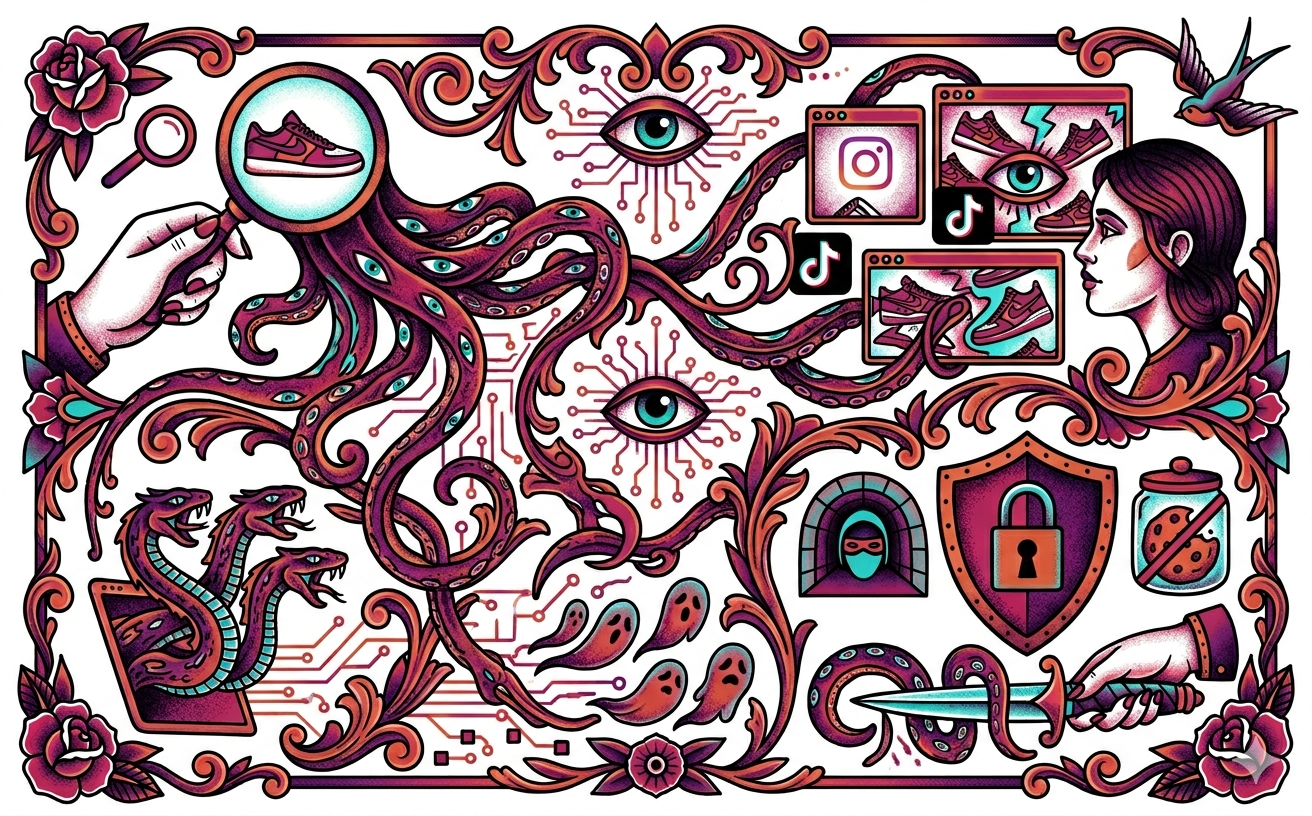
The Creepy Ways the Internet Tracks You (And How to Fight Back)
Ever search for a specific pair of sneakers on Google, and suddenly those exact shoes are haunting your Instagram feed, your TikTok ads, and every website you visit?
It’s not magic, and your phone isn't secretly recording your conversations. It’s just the internet working exactly the way it was designed to. Today's web is basically a giant surveillance machine, and a lot of the data being scooped up about you is happening completely behind the scenes.
Here is exactly how the internet tracks your every move—and what you can actually do to take your privacy back.
Mythbusting: Incognito Mode is NOT a Cloak of Invisibility
Let’s clear the biggest rumor up right now: Incognito or Private mode does not make you a digital ghost.
When you use Incognito mode, all it does is tell your browser, "Hey, don't save my search history or passwords on this specific device once I close the window." That’s it. It’s great if you are buying a surprise gift on a shared family computer and don't want your siblings to see your search history. But to the rest of the internet? You are completely visible. Your school, your internet provider, and the websites you visit still see exactly what you are doing.
The Tracking Arsenal: How Websites Follow You
If Incognito doesn't work, how are these companies actually following you around? They have three main tricks:
1. Third-Party Cookies (The Spies)
Cookies aren't just baked goods; they are tiny digital sticky notes that websites slap onto your browser so they can remember you. "Session cookies" are good—they remember what’s in your Amazon cart and keep you logged into Spotify.
But "third-party cookies" are the creepy ones. Let’s say you visit a gaming site, a clothing store, and a sports blog. If all three of those sites run Google ads, Google drops the same tracking cookie on your browser at all three places. The individual websites might not know what you're up to, but Google gets to watch you browse across all of them and builds a massive profile on what you like.
2. Tracking Parameters (The Digital Leash)
Ever click a link to a website and notice the URL looks like absolute garbage? It will say something like website.com/shoes?click_id=89274839284. Everything after that question mark is a tracking parameter. It’s basically a digital tracking collar that tells the website exactly who you are, what ad you clicked, and where you came from.
3. Fingerprinting (The Un-deletable Tracker)
Even if you are a privacy nerd and delete all your cookies, websites can still figure out who you are by looking at your device's unique "fingerprint." When you visit a site, your browser leaks a ton of random info: your exact screen size, your time zone, the specific fonts you have installed, and your battery level. Because the exact combination of your phone's settings is probably one-of-a-kind, websites can just look at that fingerprint and say, "Yep, that’s exactly the same person who was here yesterday."
The Wi-Fi Spies
It’s not just websites watching you; it’s the network itself. When you type "youtube.com" into your browser, your computer has to look up YouTube’s actual numeric IP address using a directory called the Domain Name System (DNS).
Usually, this request is totally unencrypted. That means if you are connected to your school's Wi-Fi or Starbucks' public Wi-Fi, the network administrators can easily see a list of every single website you asked to visit.
Your Privacy Toolkit: How to Actually Protect Yourself
You don't have to throw your phone in the ocean to get some privacy. Here are a few easy, real-world changes you can make today:
Ditch Chrome for a Privacy Browser: Google makes billions of dollars off advertising, which means tracking you is their business model. Switch to a privacy-focused browser like Brave, Safari, Firefox, or DuckDuckGo. These browsers automatically block third-party cookies and strip those creepy tracking parameters out of your URLs.
Check Your App Permissions: Does a random flashlight or calculator app really need access to your microphone and GPS location? Absolutely not. Go into your phone settings and strip away permissions. For location services, always choose "Only While Using the App" instead of "Always" so your phone isn't constantly tracking your physical movements in the background.
Understand VPNs (Virtual Private Networks): A VPN encrypts your internet connection and hides your real IP address. If you are on school Wi-Fi, a VPN scrambles your data so the school can't see you're on TikTok. However, a VPN does not stop you from being tracked by cookies or fingerprinted if you log into your accounts! It protects your connection, not your identity.
Always Look for the Lock (HTTPS): Make sure the websites you visit have that little padlock icon next to the URL (HTTPS). This encrypts the data flowing between you and the website, meaning your internet provider can't snoop on the exact messages you're sending or passwords you're typing.
You might not care right now if an advertiser knows you like sneakers. But your digital footprint lasts forever. By taking a few seconds to change your browser and lock down your app permissions, you get to decide who sees your data—instead of giving it away to the entire internet for free.